> ## Documentation Index
> Fetch the complete documentation index at: https://docs.hyra.io/llms.txt
> Use this file to discover all available pages before exploring further.
# Quickstart
> Everything you need to start using Hyra
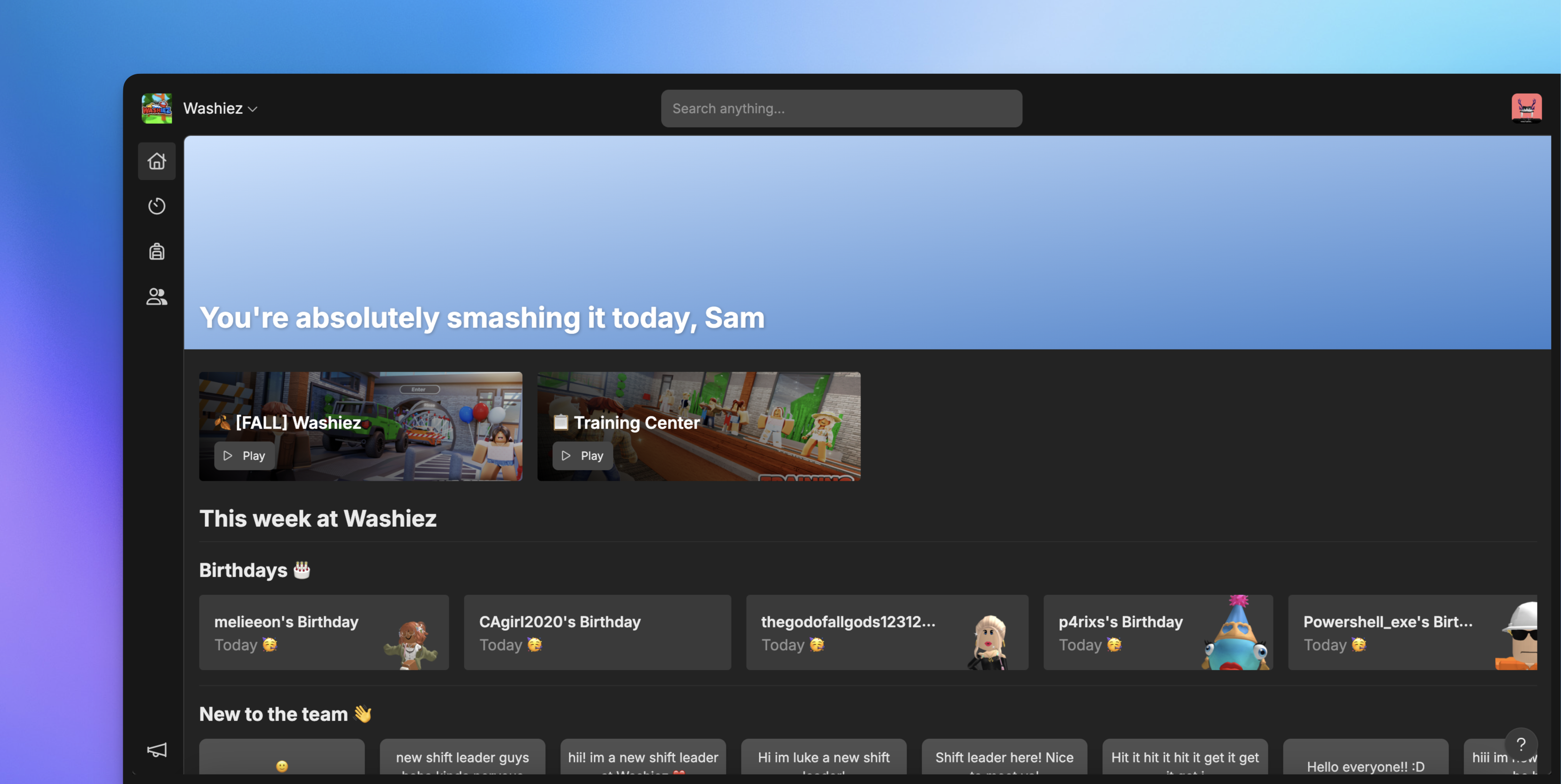 Hyra is the all-in-one tool for managing your staff. Everything you need to track, monitor, discipline, reward and manage your staff is here.
The quickstart guide walks you through the basics of Hyra, and how to get started.
A quick guide on how to install our Activity Tracking into your game
Set up instructions for creating sessions
Information on how to use Views - the customisable way to view your staff
How to use logbook to manage disciplinary actions and promotions
Hyra is the all-in-one tool for managing your staff. Everything you need to track, monitor, discipline, reward and manage your staff is here.
The quickstart guide walks you through the basics of Hyra, and how to get started.
A quick guide on how to install our Activity Tracking into your game
Set up instructions for creating sessions
Information on how to use Views - the customisable way to view your staff
How to use logbook to manage disciplinary actions and promotions