> ## Documentation Index
> Fetch the complete documentation index at: https://docs.hyra.io/llms.txt
> Use this file to discover all available pages before exploring further.
# Creating Sessions
 ## What are Sessions?
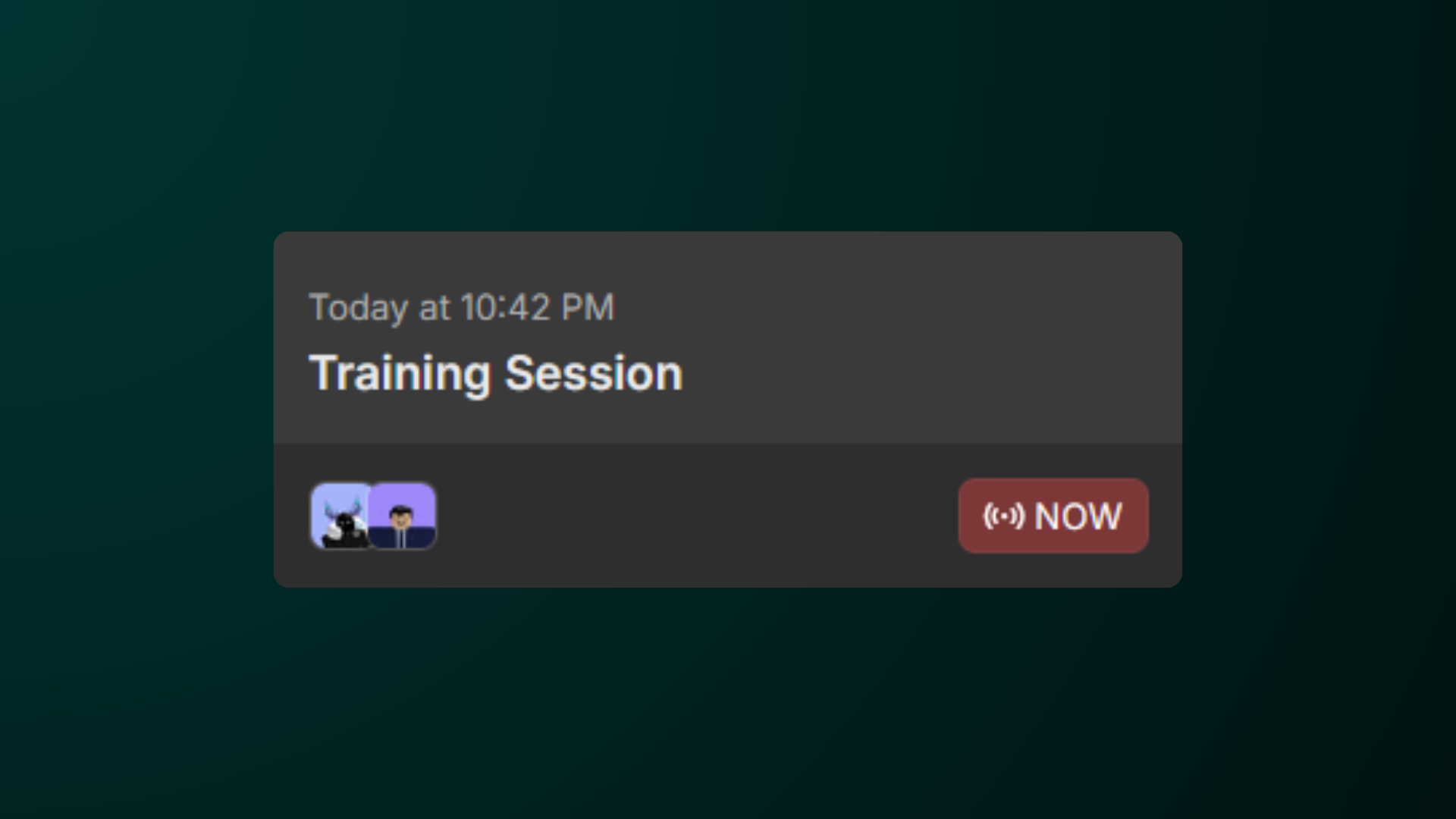
Sessions are one-time or repeating events that occur in your community. For example, you could create a session for all of your training sessions, interview sessions, and many more!
## Creating a Session
Before you continue, make sure you have the Workspace Admin permission in your Hyra workspace.
To create a session, first go to the Session Settings page by going to Workspace Settings > Sessions.
Click the button Add Session and wait for a popup to show.
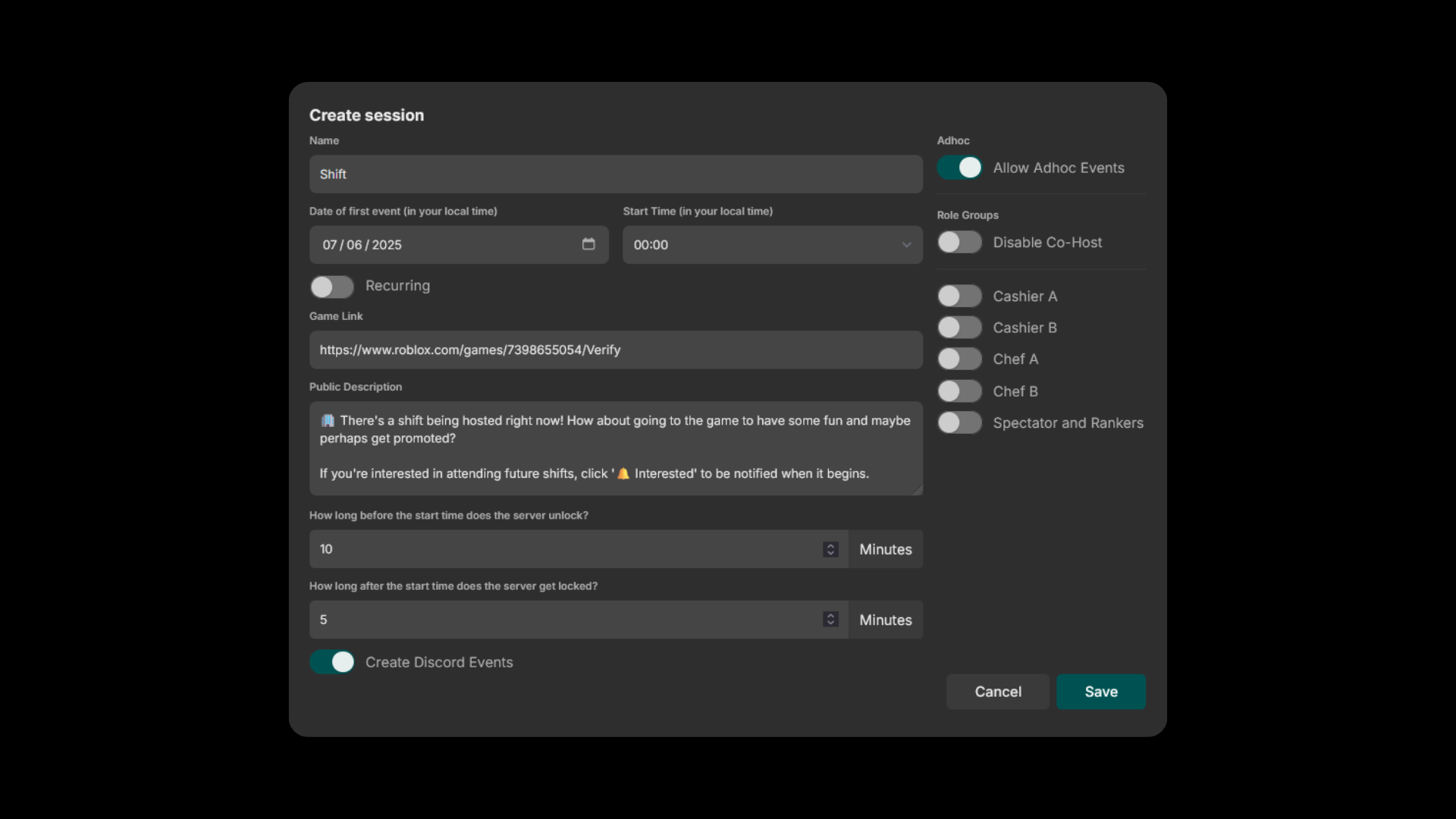
In the Session Configuration page, fill in all of the necessary fields and enable which role groups will be shown.
To disable co-host on your sessions, enable the Disable Co-Host toggle on the right side of the page.
## What are Sessions?
Sessions are one-time or repeating events that occur in your community. For example, you could create a session for all of your training sessions, interview sessions, and many more!
## Creating a Session
Before you continue, make sure you have the Workspace Admin permission in your Hyra workspace.
To create a session, first go to the Session Settings page by going to Workspace Settings > Sessions.
Click the button Add Session and wait for a popup to show.
In the Session Configuration page, fill in all of the necessary fields and enable which role groups will be shown.
To disable co-host on your sessions, enable the Disable Co-Host toggle on the right side of the page.
 ## Ad Hoc Sessions
Ad Hoc Sessions are sessions that automatically start when a staff member created it.
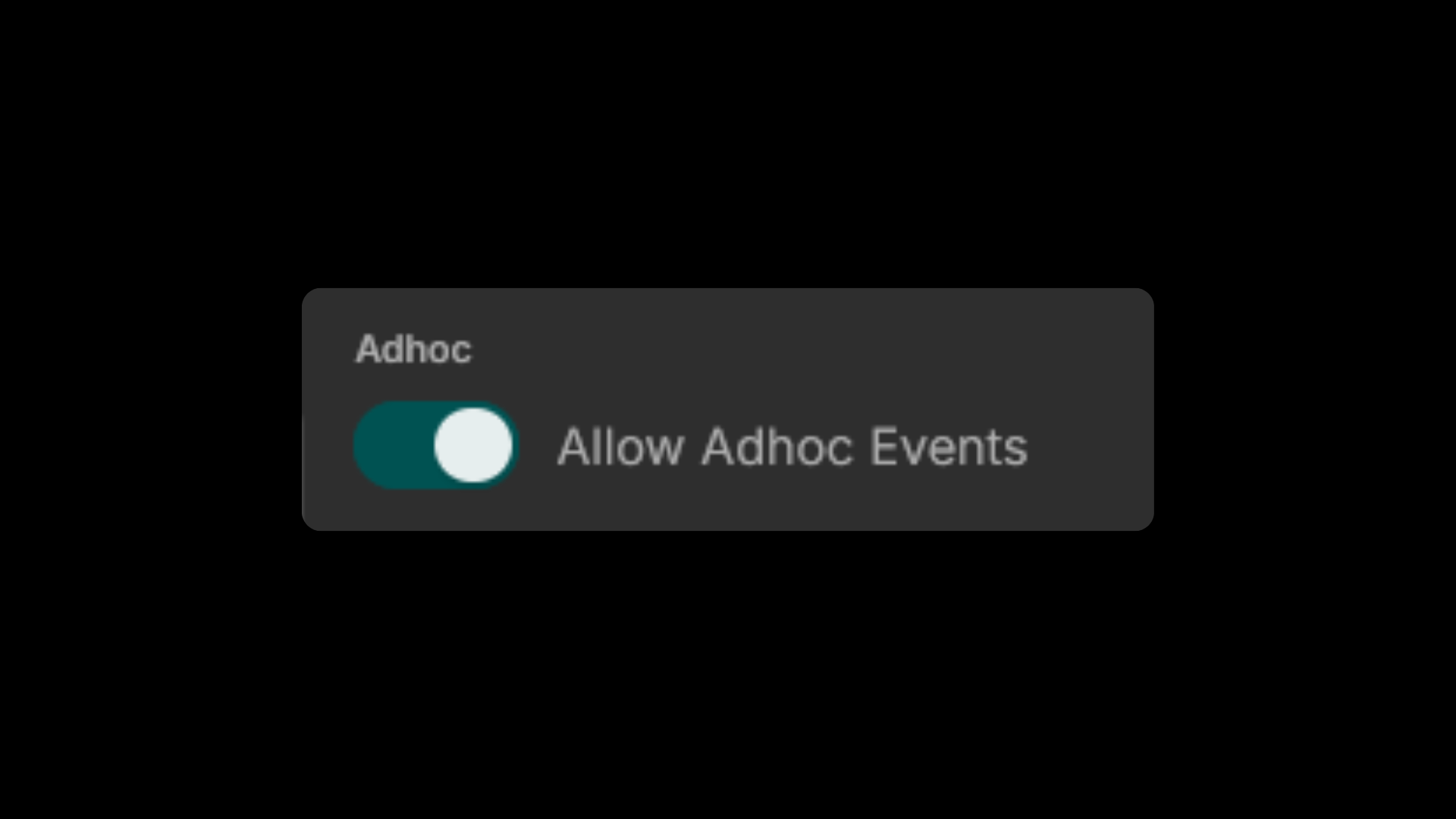
To enable the feature, toggle Allow Adhoc Events on the right side of the popup below disable co-host.
Be sure that the Create Adhoc Sessions permission is enabled in your roles for your workspace members to create ad hoc sessions.
## Ad Hoc Sessions
Ad Hoc Sessions are sessions that automatically start when a staff member created it.
To enable the feature, toggle Allow Adhoc Events on the right side of the popup below disable co-host.
Be sure that the Create Adhoc Sessions permission is enabled in your roles for your workspace members to create ad hoc sessions.