> ## Documentation Index
> Fetch the complete documentation index at: https://docs.hyra.io/llms.txt
> Use this file to discover all available pages before exploring further.
# Session Servers
 ## Creating a Server
To create a server, follow the steps below.
Before you continue, make sure you have the Create New Server permission in your Hyra workspace.
To first join a session, first go to the session calendar by going to Activity > Sessions.
In the Session Calendar, select a session that you want to join.
Please note that you can also to switch the day that you want to view by clicking on the week above.
Hit "Create Server", and you are good to go!
## Multi-Server Sessions
Mutli-Server Sessions are sessions that have multiple servers in one session. This is useful for sessions that has a lot of trainees that needs to be trained. The steps are the same as creating a server.
In this setup, there will be two Hosts and Co-Hosts (one for each server) and you can see which host/co-host in the server by going to the Hosting group in your server.
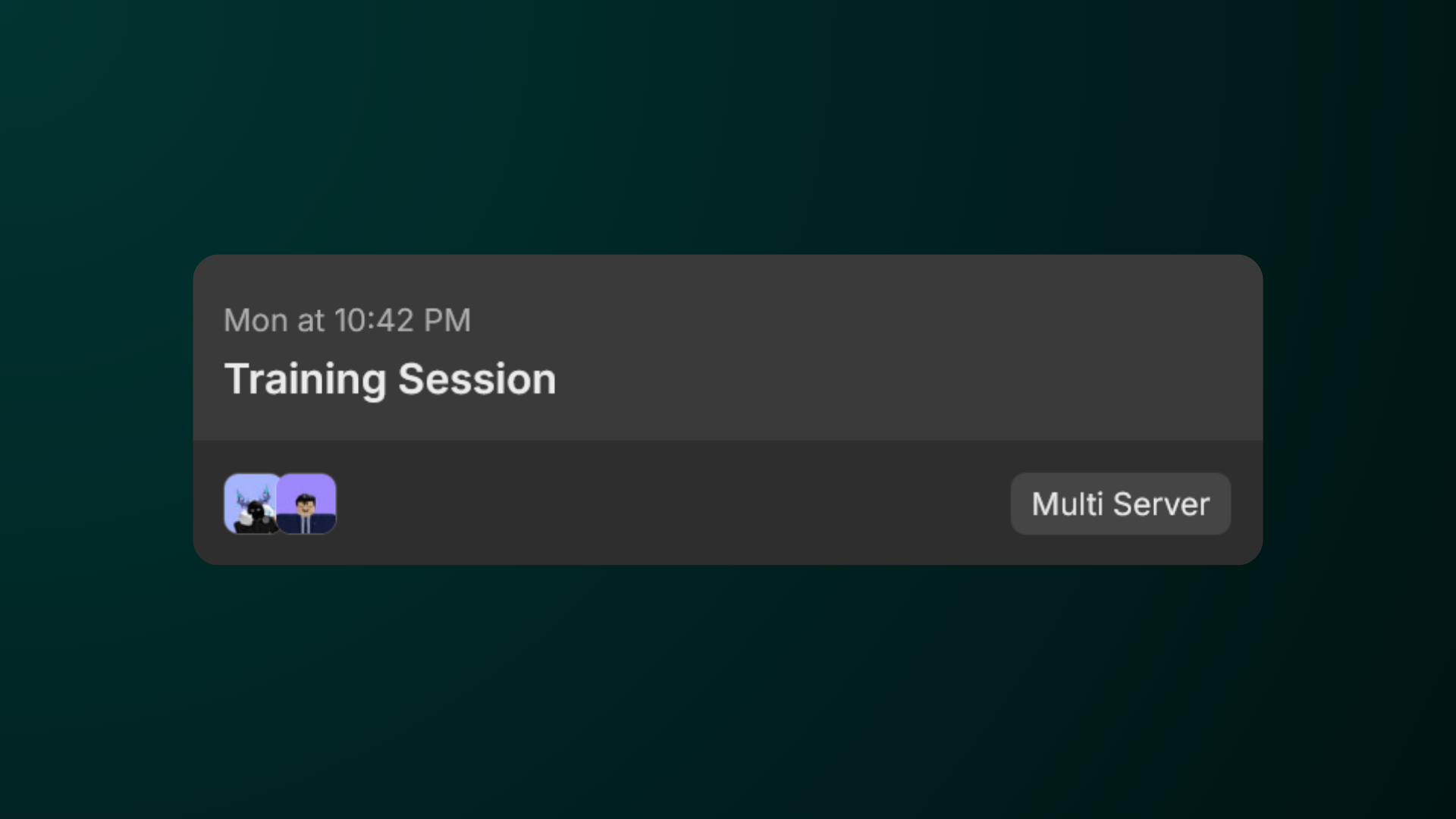
You can also distinguish a single-server and a multi-server session from the calendar by looking for the Multi Server label on the session.
## Creating a Server
To create a server, follow the steps below.
Before you continue, make sure you have the Create New Server permission in your Hyra workspace.
To first join a session, first go to the session calendar by going to Activity > Sessions.
In the Session Calendar, select a session that you want to join.
Please note that you can also to switch the day that you want to view by clicking on the week above.
Hit "Create Server", and you are good to go!
## Multi-Server Sessions
Mutli-Server Sessions are sessions that have multiple servers in one session. This is useful for sessions that has a lot of trainees that needs to be trained. The steps are the same as creating a server.
In this setup, there will be two Hosts and Co-Hosts (one for each server) and you can see which host/co-host in the server by going to the Hosting group in your server.
You can also distinguish a single-server and a multi-server session from the calendar by looking for the Multi Server label on the session.